

Last Updated on November 13, 2026 by Steve Salinas
Geo-blocking is a server-side check that decides what you can see based on the country your IP address points to. A studio licenses a film for one market and not another, so the same Netflix account opens a different library in London and in Toronto. The fix is not a magic setting inside the app, because you need an address in the right country and a VPN is the tool that gives you one.
Table of Contents
What Is Geo-Blocking in Plain Terms?
Geo-blocking is the practice of restricting a website or app to visitors from certain countries. Your internet provider assigns your router a public IP address, and that address belongs to a block of numbers registered to a country. When you open a streaming site, the site looks up the block, compares the result with the rights it holds, and then decides whether to show the full catalogue, a smaller local version, or an error page.
The block is not always a hard stop. Sometimes a service lets you in but quietly removes the show you wanted, which is why people blame the app or their account instead of the region check. The same mechanism protects online shops that will not ship to certain markets, banks that restrict login from abroad, and governments that order access to a platform cut off inside their borders.
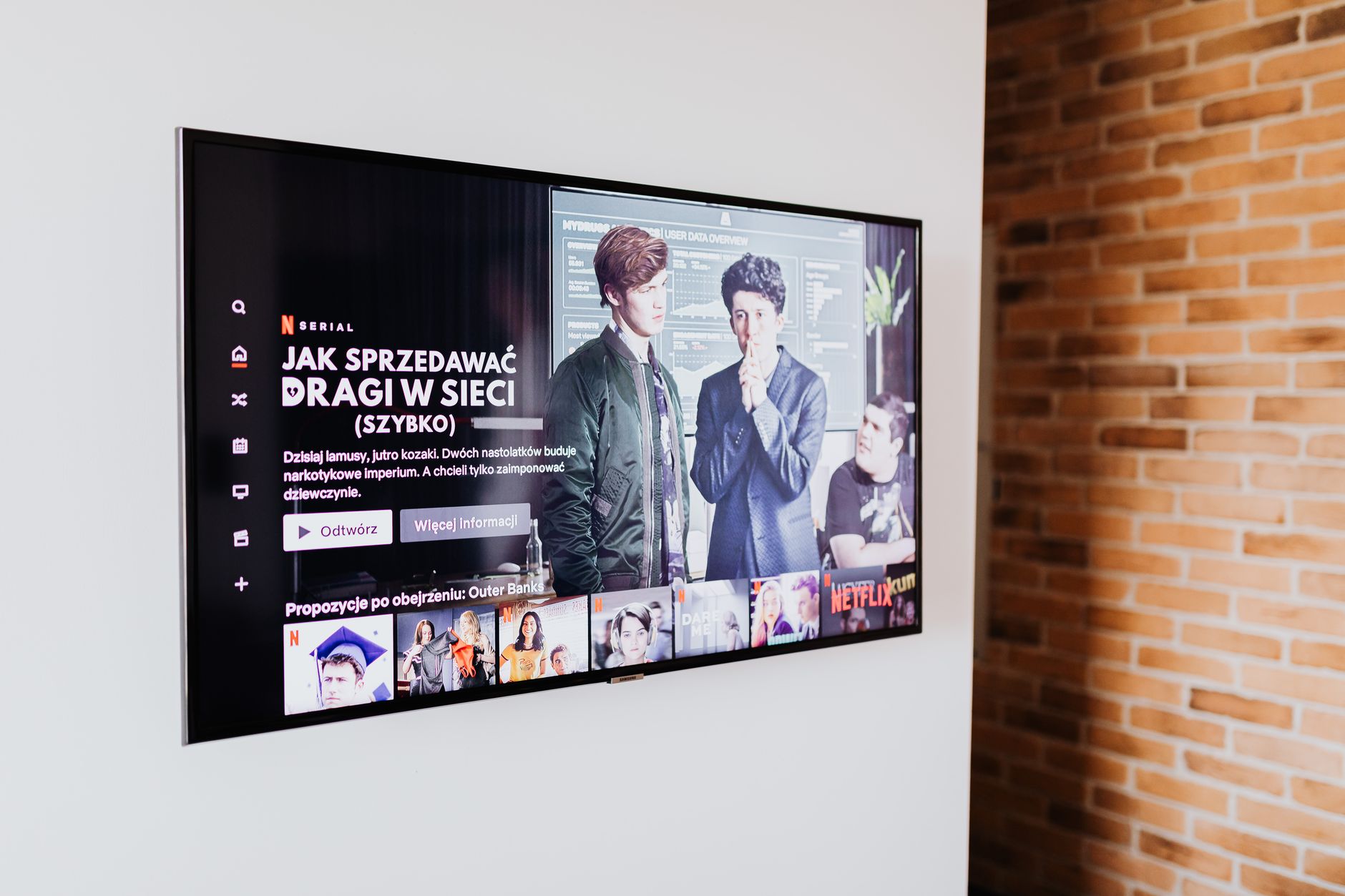
How Does a Website Know Where You Are?
A streaming service rarely needs your GPS, because your IP address is enough for the first check. Commercial databases map address ranges to countries and often to cities, and the lookup takes milliseconds. The site compares that country with the list of territories where it holds a licence, then serves the catalogue that matches the result.
Several other signals can confirm or contradict the address. A DNS resolver in a different country from your VPN server creates a mismatch, which some apps treat as proof of a proxy. A phone with precise location enabled can report a country that does not match the tunnel. A session cookie can also hold the region that was detected on the first page load, so a new server sometimes changes nothing until the old data is cleared.
| Signal | What it exposes | Typical symptom |
|---|---|---|
| IP address | The country of your connection | Wrong catalogue or a region error |
| DNS resolver | A mismatch between address and resolver | Proxy error on phones and tablets |
| Device location | GPS or coarse network location | The app refuses to play with the VPN on |
| Cached session | The region stored on first load | The old library survives a server switch |
Most region errors come from one of these four signals, so work through them in order.
Get Around a Geo-Block in Four Steps [Short Steps]
Move your connection to the right country in four steps:
- Get NordVPN and install it on the device you use for streaming.
- Connect to a server in the country whose catalogue you want to open.
- Clear the site or app data so the old region token cannot follow you.
- Reload the service and confirm that the full library appears.
The order matters, because a server switch with stale cookies often looks like a failed VPN.
Why Do Streaming Services Geo-Block Shows?
Most streaming geo-blocks exist because of licensing, not because a service dislikes travellers. A film or series is sold territory by territory, and the buyer in each market expects exclusive access for a set period. If a global platform showed the same catalogue everywhere, the local broadcaster that paid for those rights would lose the value of its deal.
The result is a patchwork of release dates and libraries. Netflix says its service reaches over 190 countries and regions, yet its own help centre notes that the library varies by country and changes periodically. The same page lists China, Crimea, North Korea, Russia and Syria as places where the service is not available at all, which is a legal and policy decision rather than a licensing gap.
Is Geo-Blocking Legal?
Geo-blocking itself is legal in most countries, and the rules on getting around it are separate from the rules on the block. The European Union passed Regulation 2018/302 to stop unjustified discrimination against online shoppers, and it has applied since December 2018. The European Commission explains that the regulation covers three specific situations, including goods sold without delivery and certain electronically supplied services, but that audiovisual services currently sit fully outside its scope.
That carve-out is why film and TV territory walls survive inside the EU while a German shopper can still order the same fridge from a Belgian store. Outside Europe, copyright contracts and consumer law decide what a provider may do. Using a VPN can break a streaming service's terms even where the tool is legal, and the account can be suspended as a result, so check your local laws and the service's Terms of Service before you connect.
How Does a VPN Get Around a Geo-Block?
A VPN replaces the address the service sees, so the country check lands on the server you picked. Your device builds an encrypted tunnel to a server in another country, and every request leaves from that server's IP address. The streaming service reads the address, looks up the country, and serves the library attached to that market. A router-level setup covers every device in the house, while an app on one phone or TV box covers only that device.
Services fight back with detection. TechRadar reports that Netflix and similar platforms keep databases of known VPN addresses, watch for DNS server location mismatches, and flag ranges that belong to hosting providers. Large providers respond by rotating server pools and buying fresh addresses, while obfuscated servers disguise the tunnel as ordinary web traffic. Free apps are a weak substitute, and a 2018 review of free VPN apps found that most had poor privacy policies, which is a bad trade when the app can see all your traffic.
A kill switch closes the gap when the tunnel drops, and the steps in our VPN kill switch guide cover the setup on desktop and mobile.
Geo-Block Still There? Match the Symptom to the Fix
When the block survives a server change, the symptom usually points to the cause. Work down this table before you install anything else.
| Symptom | Likely cause | First fix |
|---|---|---|
| Proxy or unblocker error | The VPN address is already flagged | Switch to another server in the same country and clear site data |
| Full library turns local | Traffic escaped through DNS or IPv6 | Turn on DNS leak protection and the kill switch, then reconnect |
| App blocks a phone | Precise location or a DNS mismatch | Turn off precise location and move the VPN to the router |
| Only one app fails | Split tunneling excludes that app | Remove the streaming app from the exclusion list |
| Signup or payment rejected | Card country differs from account country | Use a payment method issued in the account's own market |
VPN vs Smart DNS vs Browser Extension
All three change what a site sees, but they change different parts of the connection. A VPN encrypts the whole device's traffic and swaps the IP address, which is why it works on laptops, phones and most TV boxes. Smart DNS only swaps the DNS resolver, so it can fool a service on a games console that will not run a VPN app, but it offers no encryption and no new IP address. Our Smart DNS explainer covers the limits in more detail.
A browser extension sits between the two. It covers only the browser tab, often leaks through WebRTC, and usually offers fewer server locations than the full app. If you watch on a TV, a Firestick, or a console, the extension cannot help at all, so treat it as a quick desktop fix rather than a household solution.
When a Block Comes From a Government, Not a Studio
A state block is a different problem, and a VPN is not a guaranteed answer. Some countries filter traffic at the network level, order platforms to remove content, or restrict VPN use outright. In that situation the risk is legal rather than contractual, and the technical workaround can change from week to week. Check the rules that apply where you live before you rely on any tool.
FAQs
Does a VPN always get around geo-blocking?
No. A VPN gives you an address in another country, but the service can still block that address if it is already known. Switching servers, clearing cookies and using obfuscated servers solves most cases, and some platforms remain stubborn for weeks.
Is geo-blocking the same as censorship?
No. A studio geo-block is a commercial licensing choice, while censorship is a state decision to limit access to information. The technical result can look identical on your screen, but the reason and the legal risk are very different.
Why does the local library come back after a while?
The service probably stored your first region in a cookie or app cache, or the tunnel dropped and DNS requests escaped to your normal resolver. Clear the app data, turn on the kill switch and confirm the new IP before you reload the stream.
Can I use a free VPN for streaming?
You can try, but free apps often cap data, crowd their servers and sell usage data. A slow or flagged address turns a two-minute setup into an evening of error messages, which is why paid providers keep larger and fresher server pools.
Does a VPN hide my location completely?
It hides the IP address from the site, not every clue. The account country, payment method, device language and saved billing address can still reveal where you really are, and a service can act on those signals even when the tunnel works.
In Short: What Is Geo-Blocking?
Geo-blocking is a country check built on your IP address, and it exists mainly because films and shows are licensed market by market. A VPN gets around it by giving you an address in the right country, then you clear the old region data and reload. NordVPN keeps that path simple with a large server pool, obfuscated servers and a kill switch, which covers the three places where a streaming bypass usually fails.
Related posts:
 What Is Smart DNS? How It Works in 2026 (And When to Use It)
 UK Anti-Piracy Report Counts VPN Geo-Unblocking as Illegal Streaming
 What Is a VPN Tunnel? How It Works in 2026
 DNS Leak Test in 2026: How to Check and Fix a DNS Leak with a VPN
 How to Watch Philo in Canada in 2026: Easy Guide
 How to Watch Atresplayer in the USA in 2026: Easy Guide
 How to Watch F1 TV Pro in the USA in 2026: Easy Guide
 WireGuard vs OpenVPN in 2026: Which Protocol Is Better for Streaming?