

Last Updated on September 17, 2026 by Dana Groves
Philo streams more than 70 live entertainment, lifestyle, and reality channels plus tens of thousands of on-demand titles, all licensed for the United States alone. Open it from a Canadian IP address and the app answers with “Sorry, Philo is only available in the United States.” The fix takes minutes: connect NordVPN to a US server, sign in with a US-billing account, and the full channel grid returns in Toronto, Vancouver, or anywhere else in Canada.
Table of Contents
How to Watch Philo in Canada [Short Steps]
Unlock Philo in Canada in five steps:
- Get NordVPN and install the app on the device you stream from; one plan covers up to six devices at once.
- Connect to a US server close to the border, such as New York, Detroit, or Seattle, so the route stays quick from Ontario or British Columbia.
- Create a Philo account and start the 7-day free trial on the Essential plan at $25 per month.
- Complete checkout with a US payment method and a valid US ZIP code, then confirm the verification email Philo sends you.
- Open the Philo app or philo.com, sign in, and start streaming live channels and on-demand shows in Canada.
Philo checks the IP address at every playback, so leave the VPN connected to the same US server for the whole session. One connection change mid-episode can bring the region notice straight back.
Why Is Philo Blocked in Canada?
Philo holds broadcast rights for the United States only. Its deals with AMC Networks, A+E, Warner Bros. Discovery, and Paramount cover American households, so the platform serves the catalogue only inside the US. A Canadian IP address gets the region notice instead of the channel guide, paid account or not.
Canada feels this gap because Philo bundles lifestyle, reality, and entertainment networks such as Lifetime, Comedy Central, OWN, TLC, Food Network, and Hallmark. Canadian line-ups rarely group those channels together, and the few that do charge far more. A US server closes the distance, and Canadian fibre keeps live streams smooth.
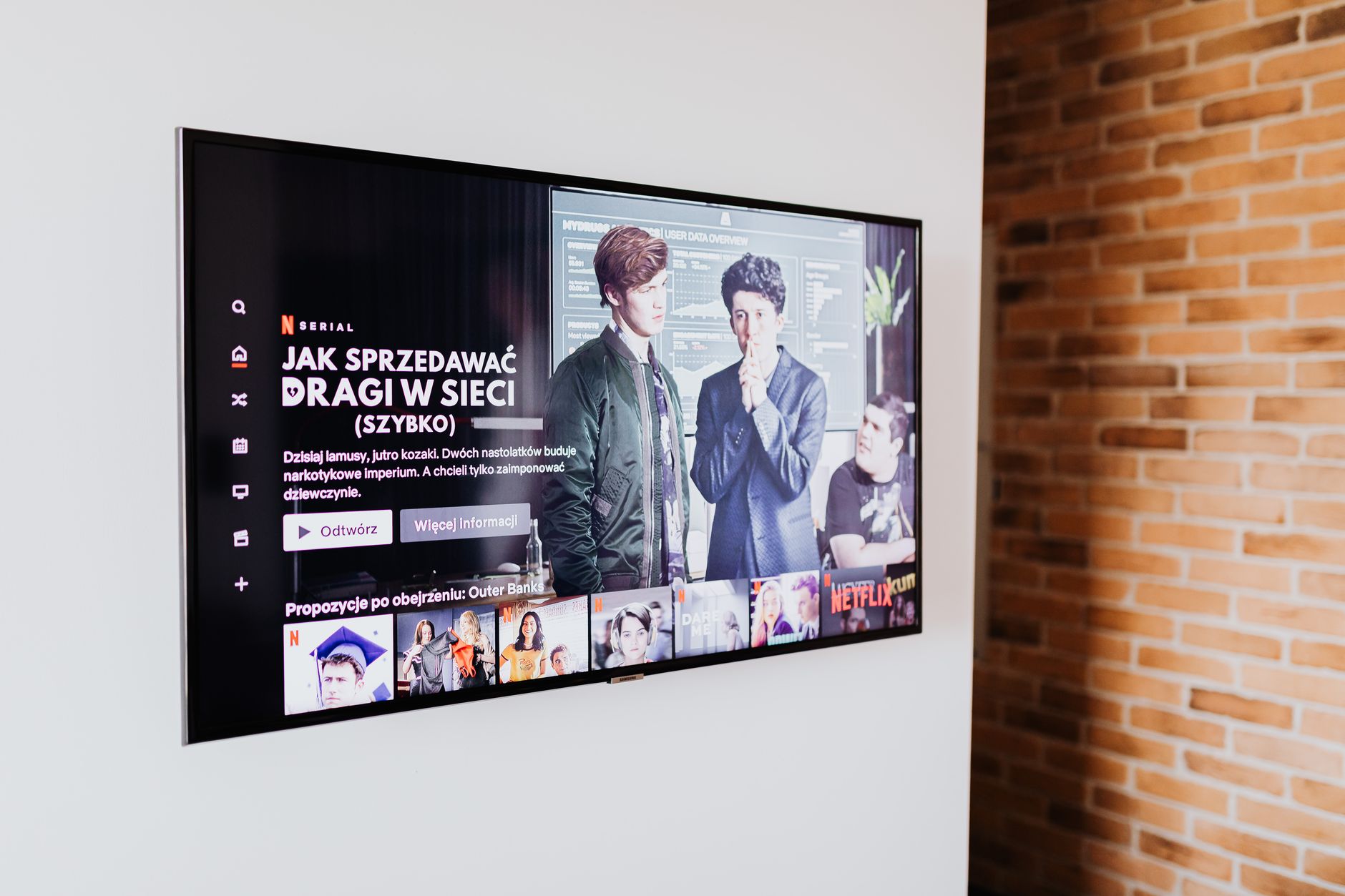
How a VPN Fixes Philo in Canada
A VPN routes your connection through a server in the United States, so Philo sees an American IP address rather than a Canadian one. With NordVPN connected, the region notice clears, the live guide loads, and on-demand titles play in up to 1080p on three screens at once. A Philo plan is still required, so the VPN is the only extra cost.
NordVPN suits Canadian viewers because its US network covers dozens of cities and its apps stay simple on Firestick, phones, and smart TVs. Keep the same US city for the whole session. As always, check your local laws and the service's Terms of Service before you stream.
5 Best VPNs for Philo in Canada [Fast Guide]:
- NordVPN: fast US servers sized for buffer-free live TV in Canada.
- Surfshark VPN: unlimited devices and dependable US cities.
- ExpressVPN: a polished third option with quick US routes.
- CyberGhost VPN: long cheap plans with streaming-tuned servers.
- PIA VPN: a privacy-first network at a low monthly price.
How to Sign Up for Philo From Canada
Signing up stops most Canadians, because Philo expects an American customer from the first click. Handle the account and the payment together, or the trial stalls at checkout.
Signing Up Through a VPN
Connect NordVPN to a US server before you open philo.com, then choose the Essential plan and the 7-day free trial. Philo asks for an email address and password, sends a verification link, and waits for a payment method. The whole signup runs in the browser while the VPN is on.
The Canadian Payment Problem
Philo accepts US credit and debit cards and rejects most Canadian billing addresses, so a Canadian card often fails at checkout even with the VPN connected. The fix is a US-billing payment method, a US ZIP code, and a matching account name. Many viewers use a US prepaid card or a US PayPal balance and keep it on file for renewals.
Step-by-Step Activation
- Connect NordVPN to a US server and confirm the new IP address.
- Start the 7-day free trial on philo.com.
- Verify your email, then pay with a US-billing method and US ZIP code.
- Sign in on your device and confirm the stream plays.
Free Trial
Philo gives every new account a 7-day free trial covering the same channel grid as the paid plan. It requires the payment method up front and converts to $25 per month unless you cancel.
What Philo Costs in 2026: Essential vs Bundle+
Both plans share the same live grid and one-year DVR, so Bundle+ buys streaming apps rather than extra channels.
| Feature | Essential | Bundle+ |
|---|---|---|
| Monthly price | $25 | $33 |
| Live channels | 70+ pay TV plus free channels | 70+ pay TV plus free channels |
| On-demand library | 75,000+ titles | 80,000+ titles |
| DVR | 1 year, unlimited | 1 year, unlimited |
| Simultaneous streams | 3 | 3 |
| Extras | None | HBO Max Basic with Ads, AMC+, discovery+, All Reality |
A viewer who only wants the channel line-up should start with Essential, because Bundle+ mainly adds app access that many Canadian households already pay for separately.
Compatible Devices for Philo in Canada
Philo runs on Roku, Amazon Firestick, Apple TV, Android TV, iOS, Android, and the web, and NordVPN covers all of them. Run the VPN on each device, or set it on the router once so smart TVs and consoles inherit the US connection.
Watch Philo in Canada on Different Devices
Android
- Install NordVPN from the Play Store and sign in.
- Connect to a US server.
- Install Philo, sign in, and stream.
iOS
- Install NordVPN and Philo from the App Store.
- Connect to a US server first.
- Sign in to Philo and browse the guide.
PC/Windows
- Install the NordVPN Windows app from the official site.
- Connect to a US server and verify the new IP.
- Stream philo.com in your browser.
Smart TV
- Set NordVPN on your router, because most televisions lack VPN apps.
- Join the television to the US network.
- Install Philo and sign in.
Amazon Firestick
- Install NordVPN from the Amazon Appstore.
- Sign in and connect to a US server.
- Open Philo and start streaming.
Apple TV and Chromecast
- Set NordVPN on the router, since these players lack VPN apps.
- Link both devices to the US network.
- Sign in to Philo and stream.
Best VPNs for Philo in Canada [Complete Guide]:
NordVPN

- NordLynx protocol for smooth 1080p live streams
- Dozens of US cities minutes from the Canadian border
- Audited no-logs policy with Threat Protection
Pros: the fastest route into Philo's US channel grid from Canada.
Cons: six-device limit and rising renewal prices.
Surfshark VPN

- Unlimited simultaneous devices on one cheap plan
- Dependable US servers for live TV
- 30-day money-back guarantee, strict no-logs policy
Pros: best value for Canadian households with several screens.
Cons: fewer advanced settings than technician favorites.
ExpressVPN

- Lightway protocol for stable streaming
- Servers in 105 countries
- 24/7 live chat support in English
Pros: dependable for streaming with polished apps.
Cons: costs noticeably more than its rivals.
CyberGhost VPN

- Streaming servers labeled per platform
- 45-day money-back guarantee
- Simple one-click apps for beginners
Pros: great for first-time users, long refund window.
Cons: some servers struggle with popular platforms.
PIA VPN

- One of the largest server networks
- Open-source apps with deep customization
- Proven no-logs policy, tested in court
Pros: enormous network, very affordable long-term plans.
Cons: interface feels technical for complete beginners.
Trending on Philo in 2026:
US servers open the full Philo line-up: Comedy Central stand-up, Lifetime movies, OWN dramas, TLC reality, Food Network shows, and Hallmark seasons Canadian services rarely carry. The on-demand shelf adds tens of thousands of titles, and the one-year DVR keeps new episodes waiting.
Canadian Alternatives to Philo
If Philo's mix is not essential, Canada has homegrown options. Crave carries HBO and Showtime titles, CTV and Global cover network shows, Stack TV adds lifestyle channels, and River TV leans on Canadian feeds. None matches Philo's bundle at $25, which is why the VPN route stays popular.
FAQs
Can I watch Philo in Canada with a free VPN?
Free VPNs run out of US capacity, get blocked, and sell data. A paid option such as NordVPN holds live streams without stutter.
Which US server should I use for Philo in Canada?
Pick a city near the border, such as New York, Detroit, or Seattle, and stay on it so Philo does not flag a location change.
Why does Philo say it is only available in the United States?
Philo licenses its channels for US viewers alone. Connect NordVPN to a US server, clear the app cache, then reopen the app.
Do I need a US card to pay for Philo?
Yes, Philo expects a US-billing payment method and a US ZIP code. Use a US prepaid card or a US PayPal balance before you start.
Conclusion: Watch Philo in Canada
Canada sits one VPN hop from Philo's full US line-up. Connect NordVPN to a US server, sign up with a US-billing method, and live channels, on-demand titles, and the one-year DVR all play in Toronto, Vancouver, or anywhere between.
Related posts:
 How to watch Peacock TV in Canada (Top Method in 2026)
 What Is Smart DNS? How It Works in 2026 (And When to Use It)
 What Is a VPN Tunnel? How It Works in 2026
 DNS Leak Test in 2026: How to Check and Fix a DNS Leak with a VPN
 How to watch DSTV outside South Africa (Top Method in 2026)
 How Does a VPN Work? Ultimate Guide in 2026!
 How to Watch Hulu in Singapore with a VPN Guide 2026
 How to Watch Hotstar in Europe (Best Method in 2026)