
Last Updated on September 9, 2026 by Ethan Parker
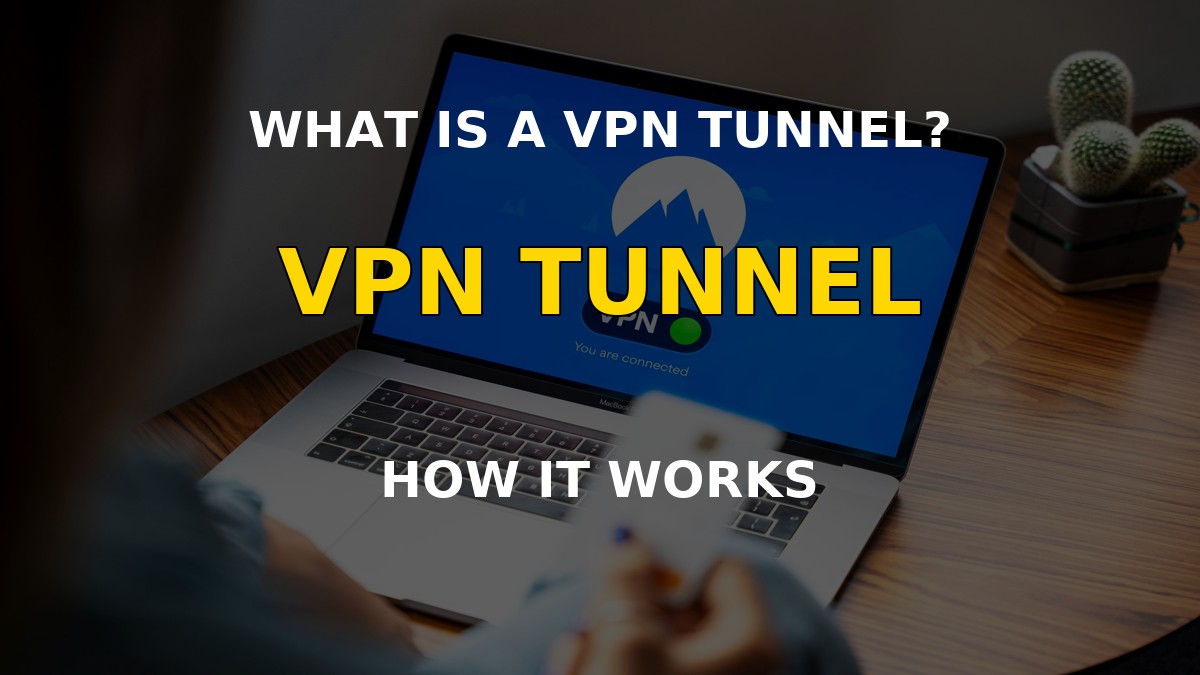
A VPN tunnel is the encrypted connection your device builds to a VPN server, and it is the single thing that makes a VPN useful for streaming. Every time you connect, your internet traffic gets wrapped in an encrypted tunnel, your real IP is hidden, and the streaming service you open only sees the VPN server's location. This guide explains how that tunnel works, which protocol you should pick, and why it matters for geo-blocked shows.
Table of Contents
What Is a VPN Tunnel?
A VPN tunnel is a private, encrypted pathway between your device and a VPN server that carries your internet traffic so no one else can read it. Think of it as a secure pipe: you put your data in at one end, it travels encrypted to the server, and it comes out the other end looking like it came from the server's country. Without the tunnel, your requests travel directly from your home IP, which is exactly how streaming services know where you really are and why they block you.
The tunnel does two jobs at once. It hides your real IP address from every site you visit, and it encrypts your traffic so your internet provider cannot see what you are doing. For streaming, the IP swap is the part that matters most: connect to a US server and Netflix sees a US visitor, connect to a UK server and BBC iPlayer sees a UK visitor, and the geo-blocked catalog opens.
How Does a VPN Tunnel Work?
Your device encrypts your data into unreadable ciphertext, sends it to the VPN server, and the server decrypts it before sending it on to the internet. The encryption key is shared between your app and the server when the connection is established, and only those two ends can decode the traffic in the middle.
Every request follows the same path: your app wraps the packet in an encrypted envelope, your internet provider only sees that you are talking to the VPN server, the server unwraps the packet and forwards it to the site you wanted, and the reply takes the same route back. If anyone intercepts the traffic in between, all they get is gibberish.
| Term | What It Means | Why You Need It |
|---|---|---|
| Encryption | Scrambling your data so only the VPN server can read it | Stops your ISP and anyone on your network from seeing your traffic |
| Tunnel | The encrypted pathway between your device and the VPN server | Carries your traffic safely and keeps your real IP hidden |
| Protocol | The set of rules the tunnel follows to encrypt and route data | Decides your speed, security, and compatibility with devices |
| Kill switch | A safety feature that cuts your internet if the tunnel drops | Stops your real IP from leaking the moment the VPN disconnects |
Most modern VPN apps hide all of this behind a single Connect button. NordVPN picks the fastest server automatically, negotiates the tunnel, and hands you an IP from the country you chose, which is all you need for streaming.
Which VPN Tunnel Protocol Should You Use?
Your protocol is the engine inside the tunnel, and it sets how fast, how secure, and how stable your connection is. You rarely pick one manually anymore because modern apps like NordVPN choose the best option for your network and let you override it in settings if you want. Still, knowing what each one does helps you understand why your tunnel behaves the way it does.
| Protocol | What It Is | Best For |
|---|---|---|
| WireGuard | A modern, lightweight protocol with fast speeds and strong encryption | Everyday use and streaming, including on phones |
| OpenVPN | The trusted open-source standard using AES-256 encryption | Maximum security on desktop and mobile |
| IKEv2/IPSec | A protocol that reconnects fast when you switch networks | Moving between Wi-Fi and mobile data |
| SSTP | An SSL-based protocol that can slip past many firewalls | Restrictive networks, mainly on Windows |
| PPTP / L2TP | Older protocols with weaker or outdated encryption | Almost never; pick WireGuard or OpenVPN instead |
For geo-blocked streaming, WireGuard-based protocols are the sweet spot. They are fast enough for 4K, they connect almost instantly, and they keep the connection stable for hours of viewing. NordVPN's NordLynx is built on WireGuard, so it gets those speeds while staying simple enough for anyone to use.
Why Does a VPN Tunnel Matter for Streaming?
Because streaming services decide which catalog to show you based on your IP address, and the tunnel is what swaps that IP to the country you want. Netflix, Hulu, BBC iPlayer, and the rest check where your connection appears to be coming from. When your traffic flows through a tunnel to a server in the US, the service sees a US IP and unlocks the US library. When you connect without a VPN, it sees your home IP and shows the smaller local catalog, or blocks you outright if the service does not operate in your country.
The tunnel also helps you stay connected. Streaming platforms actively hunt for VPN users, so a stable tunnel with a fast protocol is what keeps your session from getting detected mid-show. A good provider rotates its streaming servers and updates them when services block them, which is exactly why a top-tier VPN holds up far better than a free one.
There is one more thing worth knowing: a tunnel is only as safe as the app on the other end. If the VPN drops mid-stream, your traffic would normally resume over your real connection and expose your IP. That is where the kill switch comes in, cutting your internet instantly so nothing leaks. It is a standard feature in NordVPN and one you should make sure is on before you stream.
Watch geo-blocked shows in four steps:
- Sign up for a VPN that keeps a large network of streaming-optimized servers.
- Install the app and make sure the kill switch is on.
- Connect to a server in the country whose catalog you want.
- Open the streaming app and watch the region-locked library.
Note: Using a VPN to reach content in a region your streaming subscription does not cover can go against that service's Terms of Service. Check your local laws and the service's terms before you rely on a VPN for geo-blocked content.
Frequently Asked Questions
Is a VPN tunnel the same as a VPN?
Roughly yes. A VPN is the service and the app, and the tunnel is the encrypted connection that service creates between your device and its server. When people say “a VPN is active,” they mean the tunnel is up and your traffic is flowing through it.
Does a VPN tunnel hide my IP address?
Yes. Every site you visit through the tunnel sees the VPN server's IP instead of yours, which is exactly what makes geo-blocked streaming work. Your real IP is only exposed if the tunnel drops without a kill switch in place.
Which protocol is best for watching Netflix with a VPN?
WireGuard-based protocols like NordLynx give the best mix of speed, stability, and low detection for streaming. OpenVPN is the fallback if you run into a network that blocks WireGuard, but you will rarely need to switch manually.
Why does my VPN keep disconnecting?
Drops usually come from a weak Wi-Fi signal, an ISP throttling VPN traffic, or a protocol being blocked on your network. Switching to a faster protocol, moving closer to your router, or changing servers usually fixes it. Keep the kill switch on while you troubleshoot so your IP never leaks.
Can I use a free VPN for streaming?
Not well. Free VPNs cap your speed, limit your data, and almost never keep their servers ahead of streaming blocks. A paid service with streaming-optimized servers and a reliable tunnel is the difference between a smooth stream and constant buffering.
Final Thoughts
A VPN tunnel is the encrypted pipe that hides your real IP and keeps your traffic private, and it is the entire reason a VPN can unlock geo-blocked streaming. WireGuard-based protocols give you the speed and stability you need, a kill switch keeps you protected if the connection drops, and a provider with streaming-optimized servers stays ahead of service blocks. Get NordVPN, connect to the country you want, and the tunnel handles the rest.
Related posts:
 What Is Smart DNS? How It Works in 2026 (And When to Use It)
 How to watch DSTV outside South Africa (Top Method in 2026)
 How Does a VPN Work? Ultimate Guide in 2026!
 How to Watch Hulu in Singapore with a VPN Guide 2026
 How to Watch Hotstar in Europe (Best Method in 2026)
 How to watch Peacock TV in Canada (Top Method in 2026)
 How to watch Hotstar in Australia? (Easy Guide in 2026)
 How to Fix HBO Max Not in Service Area Error (Easy Guide 2026)