

Last Updated on September 9, 2026 by Walter
Cable is expensive, but free live TV is finally good enough to replace it. The ad-supported apps below stream hundreds of live channels, local news, and free movies without a subscription or credit card. This list ranks the best free live TV apps in 2026, what each one is strongest at, and how to watch them from anywhere with a VPN when US-only apps refuse to load.
Table of Contents
Quick Steps: Start Watching Free Live TV Right Now
Quick Guide
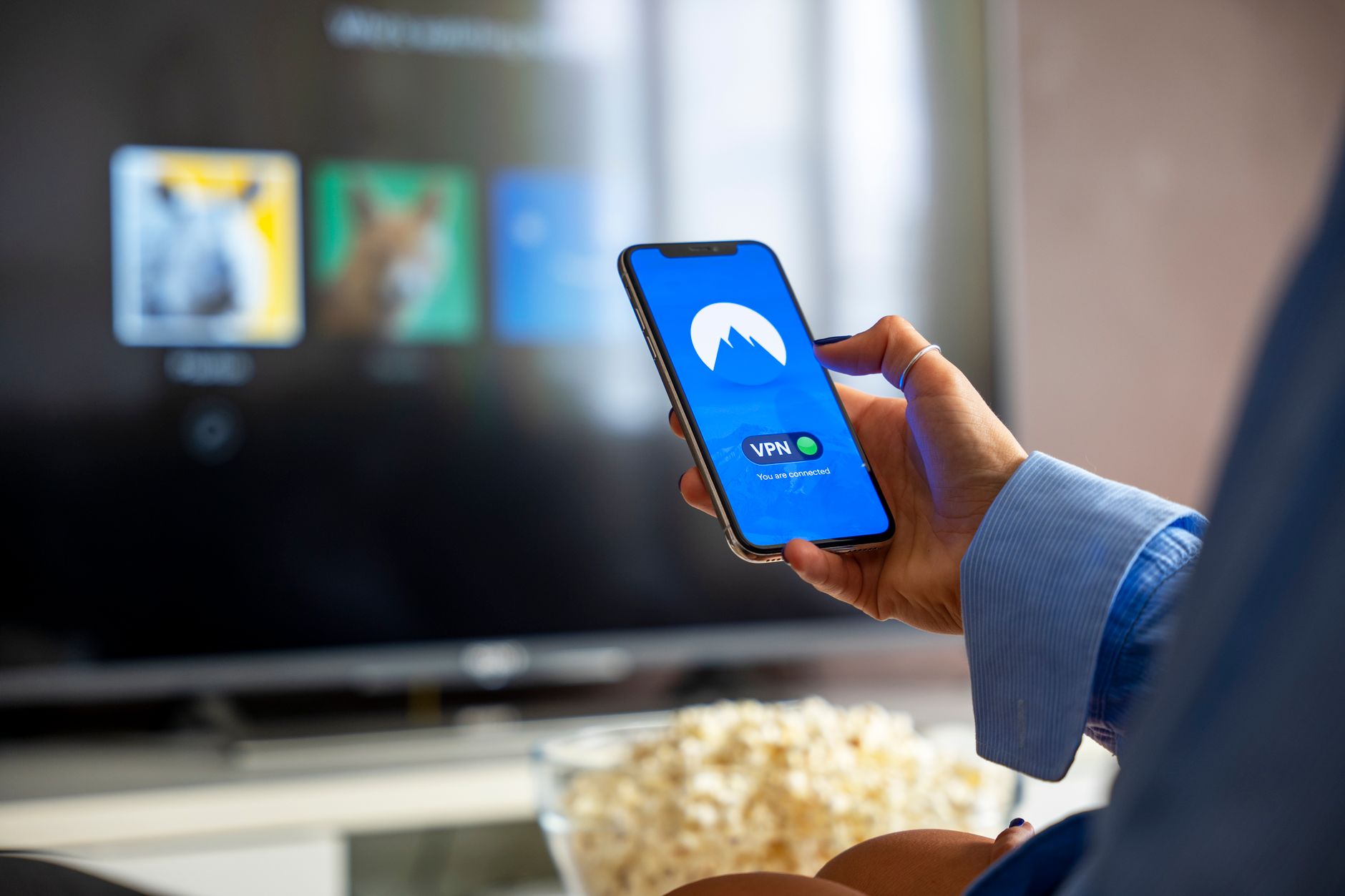
- Connect to a US server with Surfshark, because most free live TV apps are locked to the US.
- Install one or two apps from the list below, starting with Pluto TV or Sling Freestream.
- Open the live guide, pick a channel, and start watching for free.
Those three steps give you free cable-style TV on any device in minutes.
The 8 Best Free Live TV Apps in 2026
Every app on this list is fully licensed and available in official app stores. They make money from ads instead of subscriptions, which is why the channel guide, the movies, and the local news all stream for free.
| App | Best for | Legal | Main downside |
|---|---|---|---|
| Pluto TV | Easiest full live TV guide | Yes | Heavy ads on popular channels |
| Tubi | Free movies plus live channels | Yes | Smaller live lineup than Pluto |
| Sling Freestream | Most free channels | Yes | Account needed for cloud DVR |
| The Roku Channel | Roku Originals plus live TV | Yes | Free Roku account required |
| Plex | Live TV plus your own library | Yes | Learning curve |
| Peacock Free | Current NBC shows | Yes | Best content sits behind premium |
| Xumo Play | No-account channel surfing | Yes | Smaller lineup than top apps |
| Crackle | Originals and classics | Yes | Smaller catalog |
Why Use a VPN to Watch Free Live TV Apps?
Most of the best free live TV apps are geo-restricted. Pluto TV, Tubi, Peacock, and The Roku Channel lock their lineups to the US, so travelers and expats in Europe or Australia get a blank guide or a “not available in your region” error. A US server fixes that in seconds.
A VPN also hides your streaming from your internet provider. Some ISPs throttle live video during peak hours, a common cause of buffering during big games or breaking news, and an encrypted connection stops that. Surfshark is our pick here, with unlimited simultaneous connections and steady speeds on live channels.
Pluto TV

Pluto TV is the easiest free live TV app to recommend and still the original free ad-supported streamer. The cable-style channel grid, the deep Paramount library, and the no-account-needed experience all hold up in 2026. You open it, scroll the guide, and you are watching 24/7 news or a classic movie in seconds.
Pros
- No sign-up or credit card
- Hundreds of live channels
- Runs on every device
Cons
- Ads on popular channels
- No pause on most live channels
Tubi

Tubi pairs 260 or more free live channels with one of the largest free on-demand libraries on the internet, owned by Fox. If you care as much about movies as live TV, it is the best all-round free app in 2026, with 4K on select titles and a catalog deeper than any paid service.
Pros
- Massive on-demand library
- Live channels plus movies
- No paid tier, no upsells
Cons
- Smaller live grid than Pluto
- Limited live sports
Sling Freestream
Sling Freestream carries the largest free channel lineup of any major app, with more than 600 channels in 2026. It is also one of the only free services to ship a free cloud DVR, so with a free account you can record up to ten hours of live TV at no cost.
Pros
- Most free channels
- Free cloud DVR included
- Optional paid upgrades inside
Cons
- Account needed for DVR
- No major broadcast networks
The Roku Channel

The Roku Channel pairs a strong live grid with Roku Originals and a deep free movie catalog, and you do not need a Roku device to use it. The app runs on Fire TV, Samsung smart TVs, the web, iOS, and Android, which makes it one of the most accessible free live TV apps around.
Pros
- Works without a Roku box
- Roku Originals plus free movies
- Premium add-ons in one app
Cons
- Free Roku account required
- No native Apple TV app
Plex Live TV

Plex Live TV gives you more than 600 free channels with a clean guide, and it doubles as a personal media server for any movies, shows, or music you already own. If you have an old hard drive of ripped DVDs or a NAS, no other free app mixes that with hundreds of live channels in one place.
Pros
- 600+ free live channels
- Combines free TV with own library
- Available on every device
Cons
- Free Plex account required
- Media-server side has a learning curve
Peacock Free

Peacock Free is NBCUniversal's ad-supported tier with thousands of hours of content, including current NBC shows and a strong live channel selection around news, sports, and entertainment. The premium tier sits on top if you want more, but the free side is genuinely useful for daytime and live programming.
Pros
- Current NBC shows free
- Live news and sports channels
- Well-known, polished app
Cons
- Best content behind premium
- Fewer live channels than Pluto
Xumo Play

Xumo Play is the Comcast and Charter joint venture with 190 or more free channels that skew toward news, entertainment, kids, and lifestyle. No account is required, and its channels surface inside the Google TV home screen on supported devices, which makes it one of the lowest-friction free live TV apps around.
Pros
- No account required
- Shows up in Google TV Freeplay
- Clean, low-friction interface
Cons
- Smaller channel lineup
- Light on sports
Crackle

Crackle is Sony's free service with light ad breaks and a nice run of originals, cult classics, and action films, alongside live channels. It is smaller than the big FAST apps, but its free movie and show mix and live lineup make it a worthwhile second install next to Pluto or Tubi.
Pros
- Originals and classics
- Light ad breaks
- Free live channels
Cons
- Smaller catalog
- Fewer mainstream new titles
Unofficial IPTV Apps: The Grey Area
For every legal app above, there are unofficial IPTV apps that promise thousands of free channels but live outside the official app stores. They require side-loading APKs, rely on unlicensed streams that break constantly, and often inject ads or harvest device data, and the service can disappear overnight. We do not recommend them and we do not link to them.
Stick to apps from official app stores. A real free live TV app plays in the browser or its own interface and never asks you to sideload anything, so any page that demands an APK, a “player update,” or a download manager is a sign to close it.
Frequently Asked Questions
Are free live TV apps legal?
Yes. The ad-supported apps in this list, including Pluto TV, Tubi, Sling Freestream, and The Roku Channel, are fully licensed and available in official app stores. Unofficial IPTV apps that require side-loading are the ones that carry unlicensed content and legal risk.
What is the best free live TV app?
Pluto TV is the easiest to recommend, with hundreds of live channels, no sign-up, and apps on every device. For the widest channel count, Sling Freestream leads; Tubi is best for live TV plus a huge free movie library.
Do I need a VPN for free live TV apps?
Strongly recommended. Most free live TV apps are geo-restricted to the US, so a VPN unlocks them from anywhere. It also stops your ISP from throttling live video. Surfshark covers all of that on unlimited devices.
Can I watch these apps outside the US?
Not without a VPN. Pluto TV, Tubi, Peacock, and The Roku Channel all lock their lineups to specific regions, mostly the US. Connect to a US server first and the guides open up.
Final Thoughts
Free live TV in 2026 is good enough to replace at least one paid subscription. The smart move is to install two or three apps and treat them like a free cable package: Pluto TV and Sling Freestream cover the basics, Tubi adds a huge movie library, and Plex or The Roku Channel round out the mix. Run Surfshark on top and every app on this list works from anywhere without throttling.
Related posts:
 10 Best Movie Streaming Sites in 2026
 12 Best Soap2Day Alternatives That Still Work in 2026
 How to watch DSTV outside South Africa (Top Method in 2026)
 How Does a VPN Work? Ultimate Guide in 2026!
 How to Watch Hulu in Singapore with a VPN Guide 2026
 How to Watch Hotstar in Europe (Best Method in 2026)
 How to watch Peacock TV in Canada (Top Method in 2026)
 How to watch Hotstar in Australia? (Easy Guide in 2026)