
Last Updated on November 19, 2026 by Scottie Brockenshire
HBO Max installs on a Firestick in about five minutes, straight from the Amazon Appstore, with no Downloader code and no sideloading. The app is also the reason half the guides online contradict each other: the service was called Max from 2023 until July 2025, so plenty of people search for the wrong name and decide the app is gone. This guide covers the store install, the TV sign-in code, the Downloader route for the countries where the listing is missing, and the fixes for the errors that follow.
Table of Contents
How to Install HBO Max on Firestick [Short Steps]
Quick Steps
- Press Home on the Fire TV remote, open Find, then pick Search.
- Type HBO Max. If nothing shows up, try Max, because the old listing survived the rename.
- Select the app published by Warner Bros. Discovery, then choose Get or Download.
- Open the app and choose Sign In. A short code appears on your TV screen.
- Enter that code at hbomax.com/tvsignin on your phone, using the account that holds your plan.
- Wait for the TV to refresh, then start streaming.
The sign-in code expires quickly, so keep your phone next to you before you open the app.
A quick note before you start: a VPN changes the country your device appears to be in, so check your local laws and the service's Terms of Service for your situation.
What You Need Before You Install HBO Max on Firestick
Four things decide whether the install works first time: an updated Firestick, an Amazon account tied to the right marketplace, an HBO Max plan, and the right app name. Each one produces a different error when it goes wrong.
| Requirement | Why it matters | How to check |
|---|---|---|
| Current Fire OS | Old firmware hides new app listings and blocks installs | Settings > My Fire TV > About > Check for Updates |
| Amazon marketplace country | The Appstore only shows apps published for your store | Settings > Preferences > Country Settings |
| HBO Max plan | The app installs free, but nothing plays without a subscription | Sign in at hbomax.com and confirm the plan status |
| Correct app name | Searching the wrong name returns nothing on some devices | Search both HBO Max and Max before anything else |
Fire OS details live under My Fire TV on current models and under System Settings on older ones.
How to Install HBO Max on Firestick, Step by Step
The Appstore route is the one worth using. The app updates itself there and never asks you to trust an unknown source. Sideloading is a rescue method for blocked regions, not a shortcut.
Step 1: Find the App
- Press Home, open Find, then choose Search.
- Type HBO Max with the on-screen keyboard or hold the voice button and say the name.
- Check the icon and the publisher line before you continue.
- Pick the app under Apps and Games, not a trailer or a search ad.
Step 2: Install and Open
- Press Get on a fresh device or Download if you had the app before.
- Wait for the download, then press Open.
- Hold the Home button later if you want the app on the front row, then choose Move from the menu.
Step 3: Sign In With a TV Code
- Open the app and choose Sign In. A code appears on the screen.
- On your phone, open hbomax.com/tvsignin and type the code exactly as shown.
- Sign in with the account that holds the plan, then approve the device.
- Leave the TV on the code screen until it loads your profile on its own.
If the code fails twice, force stop the app from Settings > Applications > Manage Installed Applications, clear the cache, and request a fresh code. Typing it on the wrong account is the most common mistake.
If HBO Max Does Not Show Up in Search
When the store has no listing for you, Downloader is the usual fallback. Install it first, allow it to install unknown apps, then load the HBO Max APK from a source you trust. The AFTVnews guide for this install lists cleanup steps that prevent the wrong icon from appearing.
- Open Find > Search, type Downloader, and install it.
- Open Downloader and allow it to install unknown apps when Fire OS asks.
- Enter the APK address for HBO Max, then confirm the file name before it downloads.
- Install the file, then delete the APK once the app opens.
Warning: a sideloaded build does not update itself and can carry a modified package. Only use a mirror you can verify, and switch back to the Appstore version as soon as your store lists it again.
Why HBO Max Is Missing From Your Firestick
Three causes cover almost every case, and they need different fixes. The name change is the one nobody checks, because it makes the right answer look wrong.
The service was called Max for two years. HBO Max became Max in the United States on May 23, 2023, and the HBO Max branding returned on July 9, 2025. Amazon kept an older listing alive under the Max name for a while, so one device shows the new icon and another still shows the old one. Search both names, and trust the publisher line more than the artwork.
Your Amazon marketplace sells a different catalogue. Fire OS pulls apps from the store tied to your account country, and a marketplace without the listing shows an empty search rather than an error. Switching country settings on the same device is limited and often breaks the rest of your library, so treat the Downloader route as the practical answer.
The device is out of date. A Firestick that has not updated in years can hide newer listings. Check Settings > My Fire TV > About, install any pending system update, restart the device, and search again.
Do You Need a VPN for HBO Max on Firestick?
HBO Max sells in the United States, Europe, Latin America and the Caribbean, the Middle East and North Africa, Central Asia and parts of Asia-Pacific, and the library is not the same in any two of those markets. Some titles never reach the country you live in, and some reach it months late.
A VPN handles the address side of that. Connect to a server in a country where the title you want is licensed, and the app reads your connection as local. What it cannot do is change the store that bills you or create a subscription where HBO Max does not sell one, because the payment method has to match the region you pick.
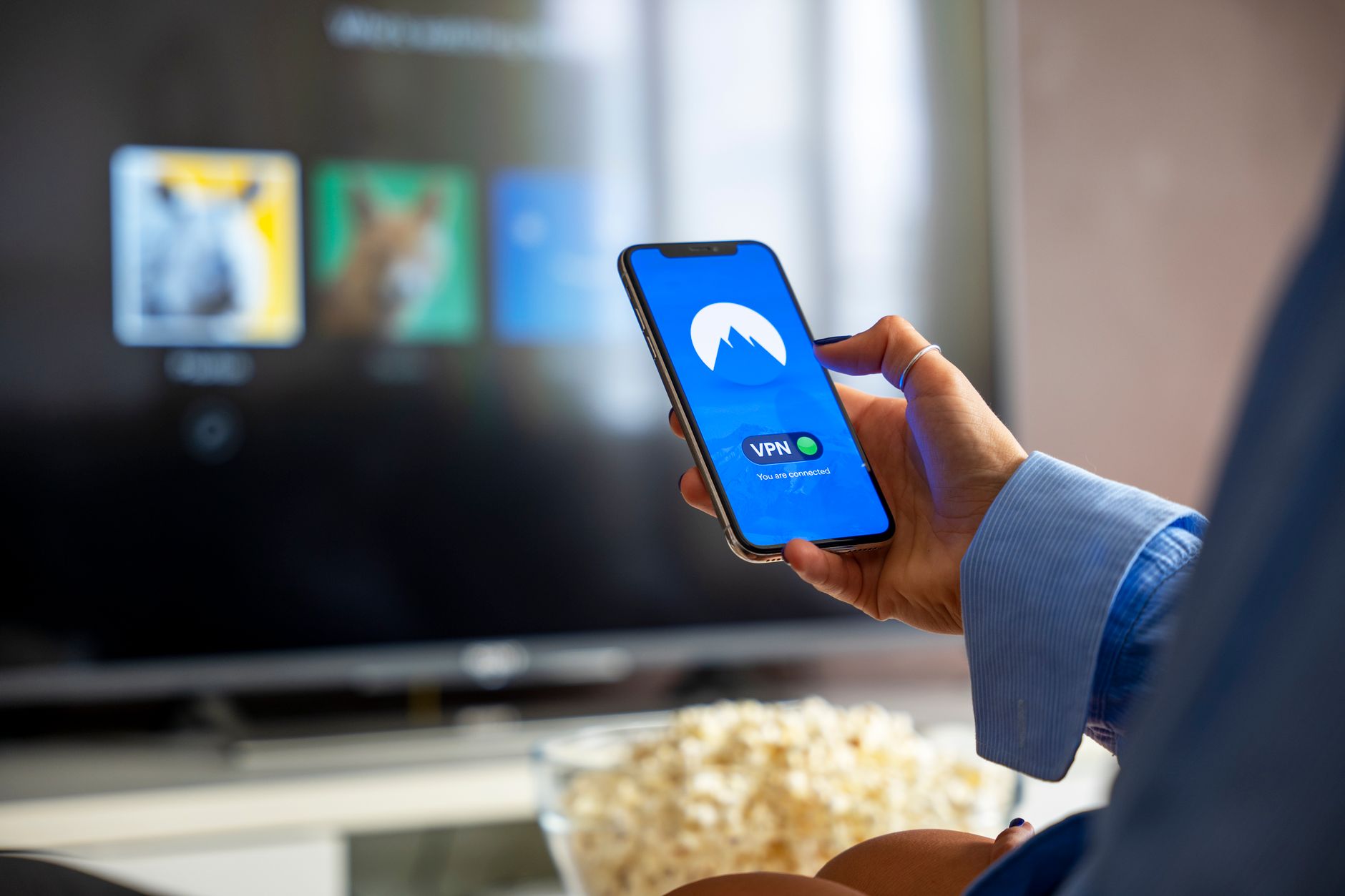
Install Surfshark VPN on the Same Firestick
- Open Find > Search and type Surfshark VPN.
- Install the app from the Appstore, open it, and sign in with your account.
- Allow the connection request when Fire OS asks for it.
- Pick a server in the country whose library you want, then reopen HBO Max.
Surfshark VPN earns the slot on a Firestick for three reasons. The app installs from the same store as HBO Max, one subscription covers every screen in the house, and the server list is wide enough to test two or three cities when one address gets flagged. If HBO Max refuses to load, switch to another city in the same country, force stop the app, and clear its cache before you try again.
HBO Max Not Working on Firestick: Symptoms and Fixes
Most failures fall into five buckets. Match the symptom, then work down the fix column in order before you reinstall anything.
| Symptom | Cause | Fix |
|---|---|---|
| App missing from search | Wrong marketplace, old Fire OS, or the old Max name | Update Fire OS, search both names, then sideload only if the listing stays empty |
| Sign-in code rejected | Code expired, or the account has no active plan | Restart the app for a fresh code and confirm the plan at hbomax.com |
| “Not available in your region” | Library for your country is limited or the title is unlicensed there | Connect to a server in a country that carries the title, then relaunch |
| “Unsupported version” message | An old sideloaded build survived an update | Uninstall the app, clear the Appstore cache, then install it again from the store |
| Buffering and drops to low quality | Weak Wi-Fi or a distant VPN server | Move to the 5 GHz band and switch to a closer city in the same country |
One habit saves a lot of time: hold Select and Play/Pause for five seconds to restart a Firestick without pulling the power cable. Most crashes and black screens clear after that.
What You Can Watch on HBO Max
The library explains why people chase this app across regions. HBO Max carries the HBO catalogue, Warner Bros. films, and shows from Discovery, CNN, Cartoon Network, Adult Swim, Boomerang, Animal Planet, TBS, TNT, TruTV and Eurosport, packaged in 48 languages. As of May 2026 the service reported about 140 million paid memberships, which tells you how much of the catalogue is licensed per country rather than worldwide.
Frequently Asked Questions
Is HBO Max free on Firestick?
The app is free to download from the Amazon Appstore. Watching needs a paid HBO Max plan or a TV provider login that includes the service, so the install alone gets you to the sign-in screen and no further.
Can I install HBO Max on Firestick outside the United States?
Yes, in most countries where the service operates, but the store listing depends on your Amazon marketplace. If it does not appear, the Downloader route installs the same app, and signing in works with an account from a supported market.
Does a VPN make HBO Max work on a Firestick?
It changes which country's library the app shows you, and that is often enough for a title that is missing where you live. It does not change your billing country, so an account that cannot subscribe in your region still cannot subscribe with a VPN on.
Why does the app say Max instead of HBO Max?
The service was renamed Max in May 2023 and reverted to HBO Max on July 9, 2025. Older builds and cached icons keep the Max name, while the current listing uses HBO Max again.
Final Thoughts
The install itself is the easy part, and the Appstore does all of it in five minutes on an up-to-date Firestick. Spend the saved time on the two things that block people: search both names before assuming the app is gone, and remember that a VPN changes the library rather than your billing country. If you want one subscription that covers every screen in the house, Surfshark VPN is the pick we would start with.
Related posts:
 How to Fix HBO Max Not in Service Area Error (Easy Guide 2026)
 How to Install HDO Box on Firestick in 2026
 Best Movie Apps for Firestick in 2026
 Install Plex on Firestick: Free Movies and Live TV in 2026
 How to Install Jellyfin on Firestick in 2026 (Easy Setup Guide)
 How to Install Downloader on Firestick in 2026: Step-by-Step Guide
 How to Install TiviMate on Firestick in 2026: IPTV Setup Guide
 How to Install IPTV Smarters Pro on Firestick in 2026: Free Player Setup